Released Browser Extension
Explore Social Media
More Mindfully
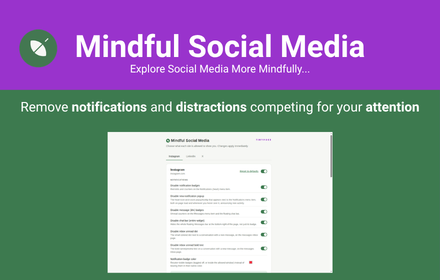
Mindful Social Media quiets the parts of social media designed to keep you scrolling. Hide feeds, notifications, and other distractions with controls tailored to each supported site.
Social Media on Your Terms
Mindful Social Media helps you keep the useful parts of social platforms while quieting the features competing for your attention. Each supported site has its own settings, so you decide what stays visible.

Calmer by design
Choose What Gets Your Attention
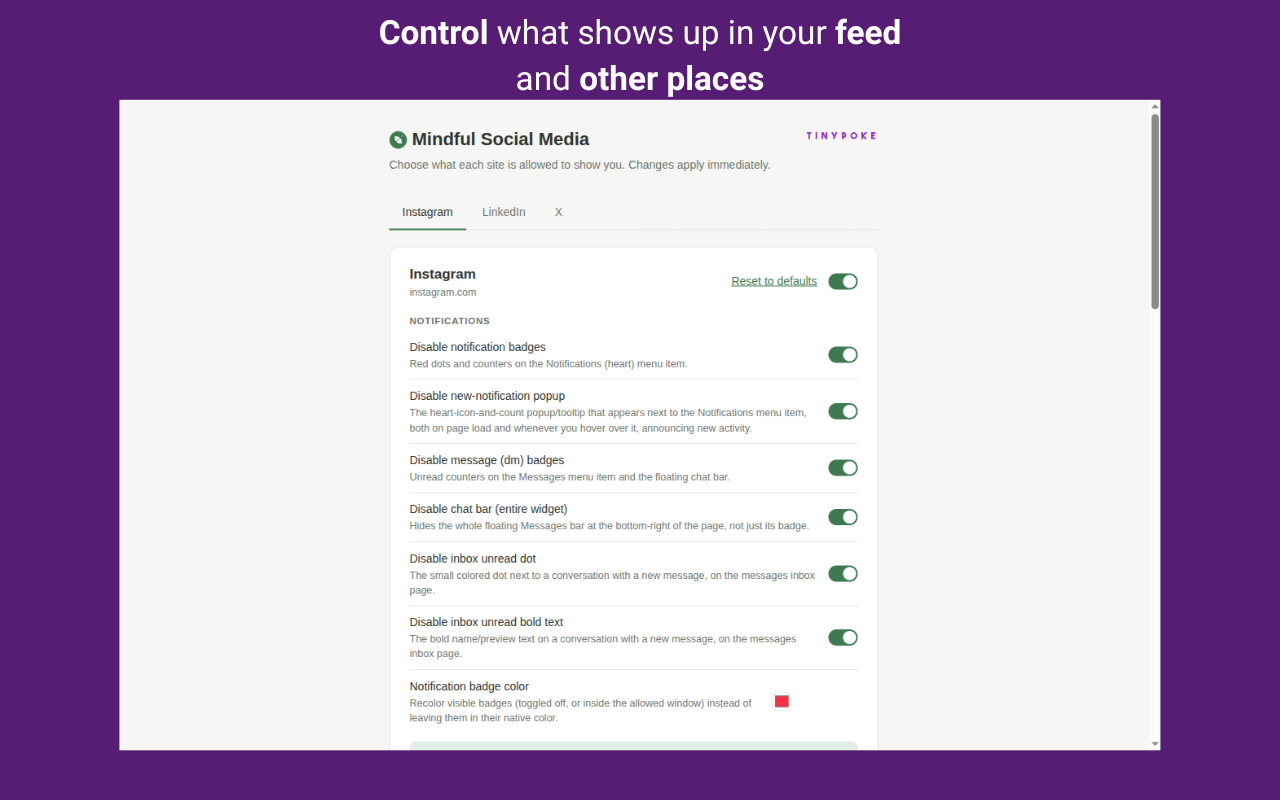
Turn individual controls on or off for the social platform you are using. Changes are designed to reduce interruption without blocking the site itself.
Quiet Notification Noise
Hide notification badges and counters, floating chat bars, message popups, and unread counts in the browser tab title and icon.
Set a Notification Window
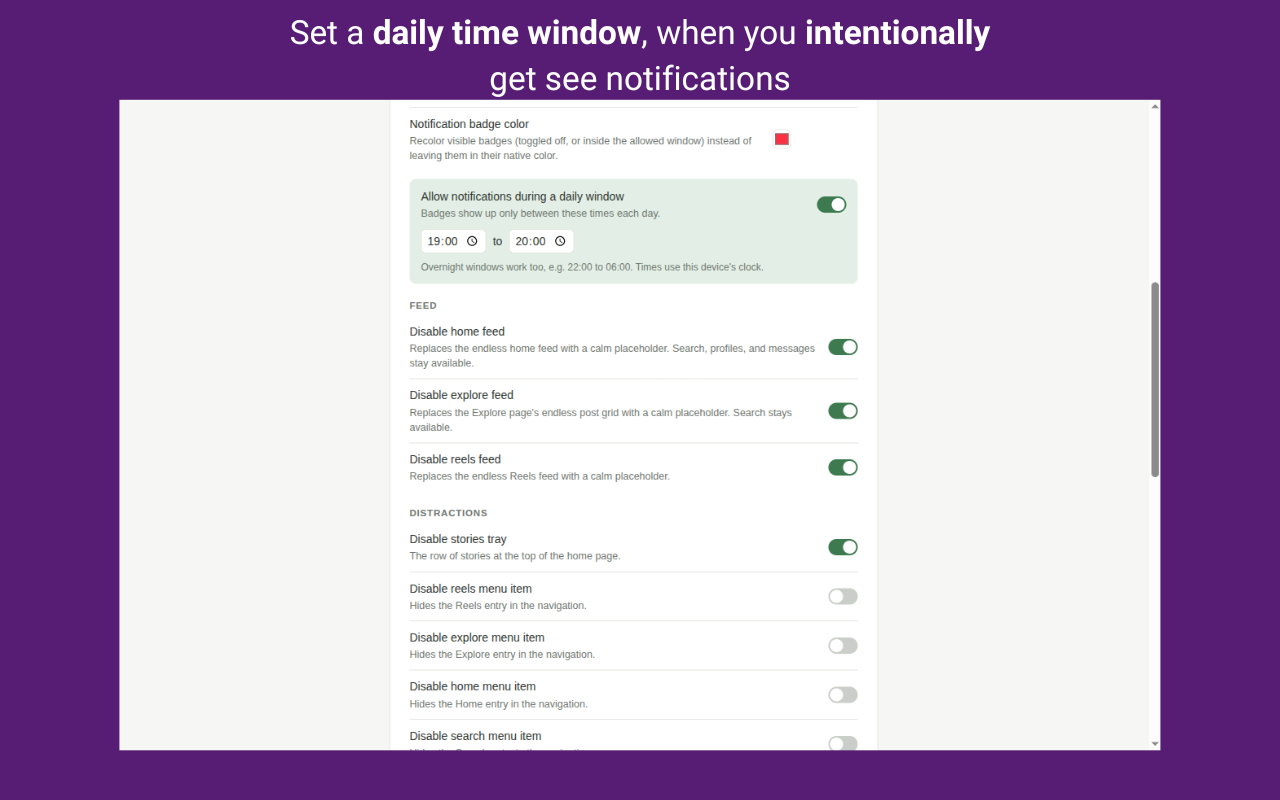
Allow notifications only during a daily time window. Badges appear during that period and disappear afterwards without requiring a page reload.
Use Calmer Badge Colours
Replace attention-grabbing red notification badges with each site's brand colour or another colour you choose.
Replace the Endless Feed
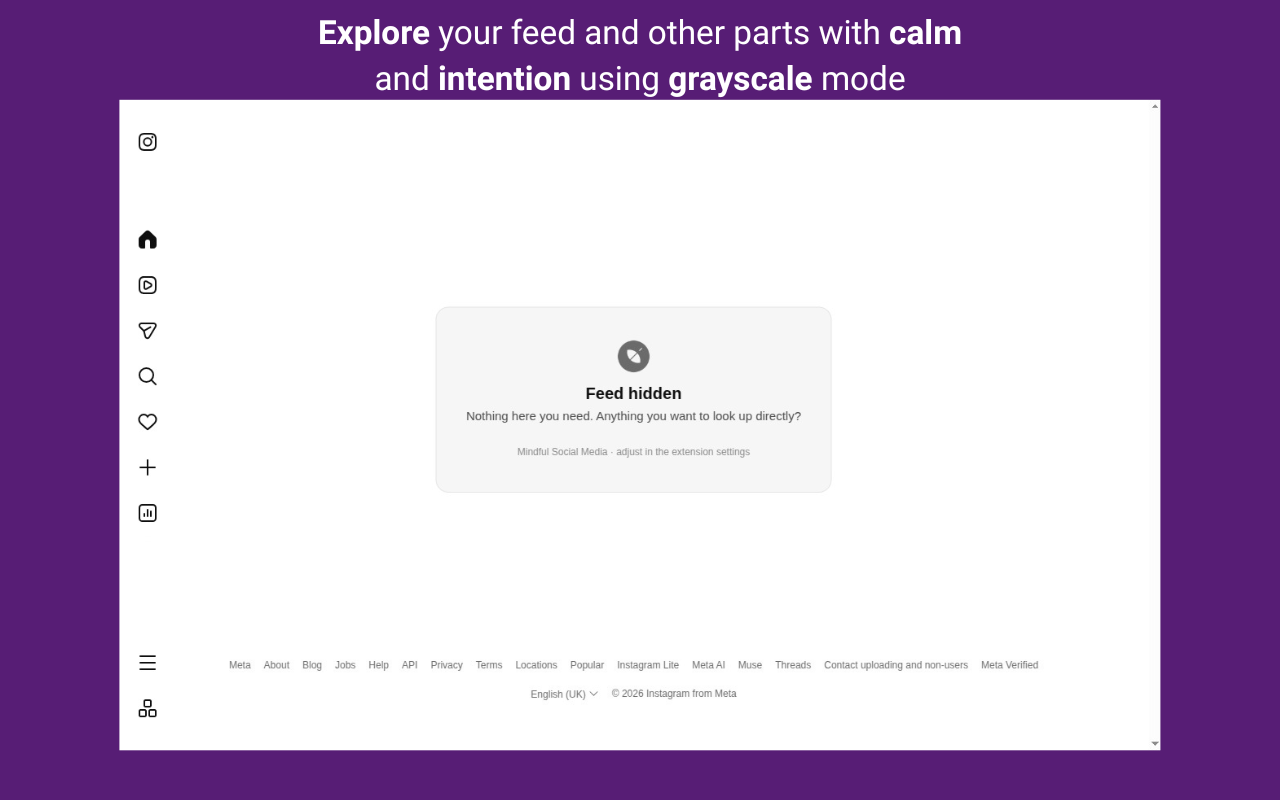
Swap the home feed for a calm placeholder when you want to use a social platform without being pulled into continuous scrolling.
Hide Distractions Individually
Choose exactly which distracting interface elements to hide, with a separate switch for every available control.
Schedule Grayscale Mode
Use a calmer grayscale appearance all the time or enable it automatically during a daily schedule you define.
Controls where you need them
Quick Changes, Detailed Settings
Use the toolbar popup for quick controls on the site you are viewing. Open the full settings page for site-specific options, a master on/off switch, and Reset to defaults.
Export or import your settings when needed, and use a dark theme that follows your system preference.
Private by design
Your Browsing Data Stays Yours
Mindful Social Media collects no data, makes no network requests, and sends nothing to Tinypoke or any third party. It only hides elements on supported sites, and your settings remain in your browser's extension storage.
Social media support
Supported Social Media Sites
Mindful Social Media currently provides individual distraction controls for these social media sites:
- X
Product preview
See Mindful Social Media in Action
Preview how the extension removes distractions, hides feeds, introduces calmer visuals, and gives you control over what appears.
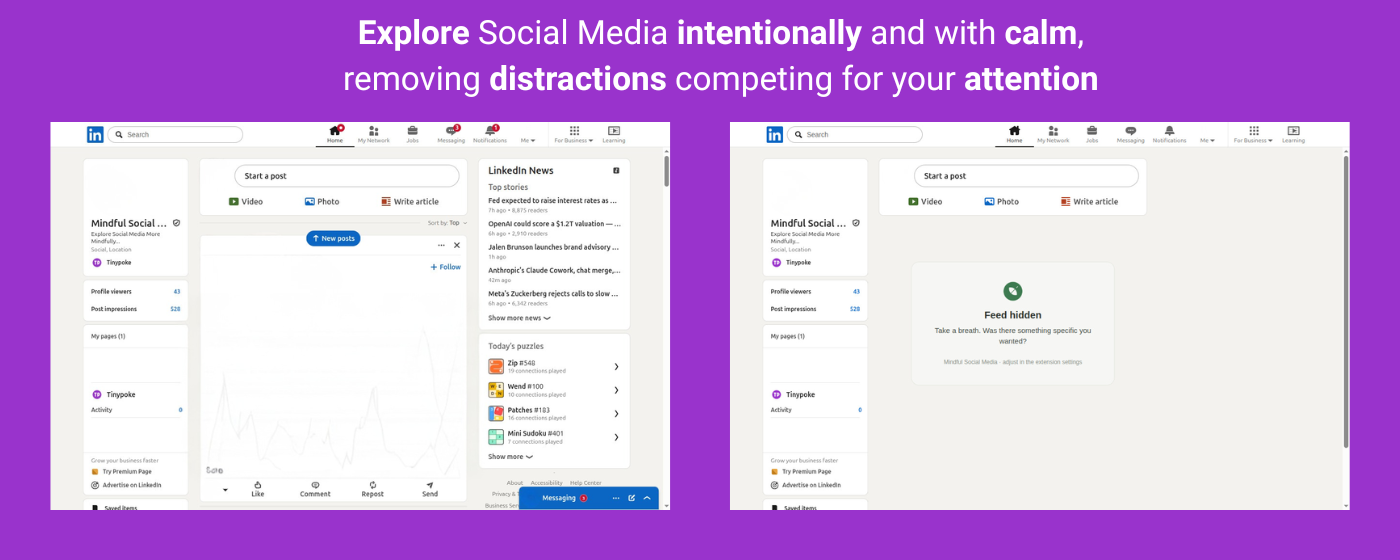
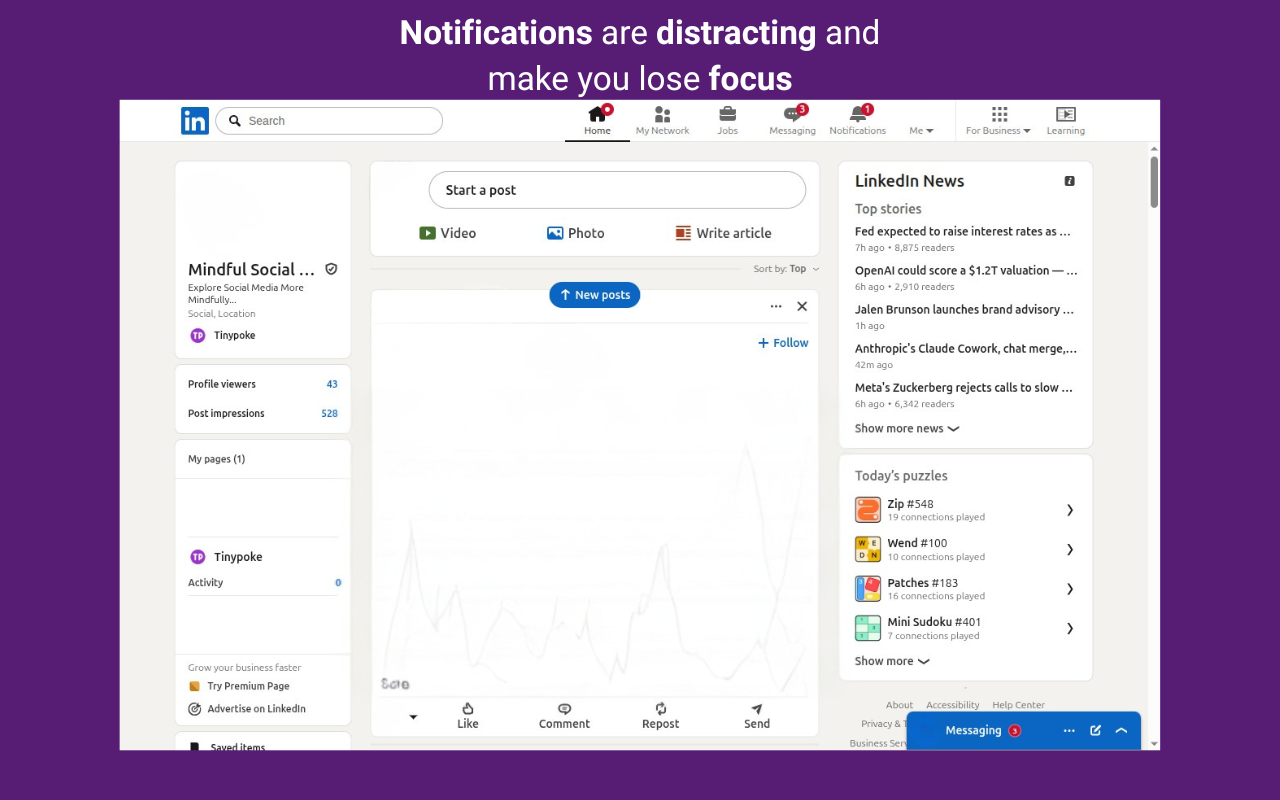
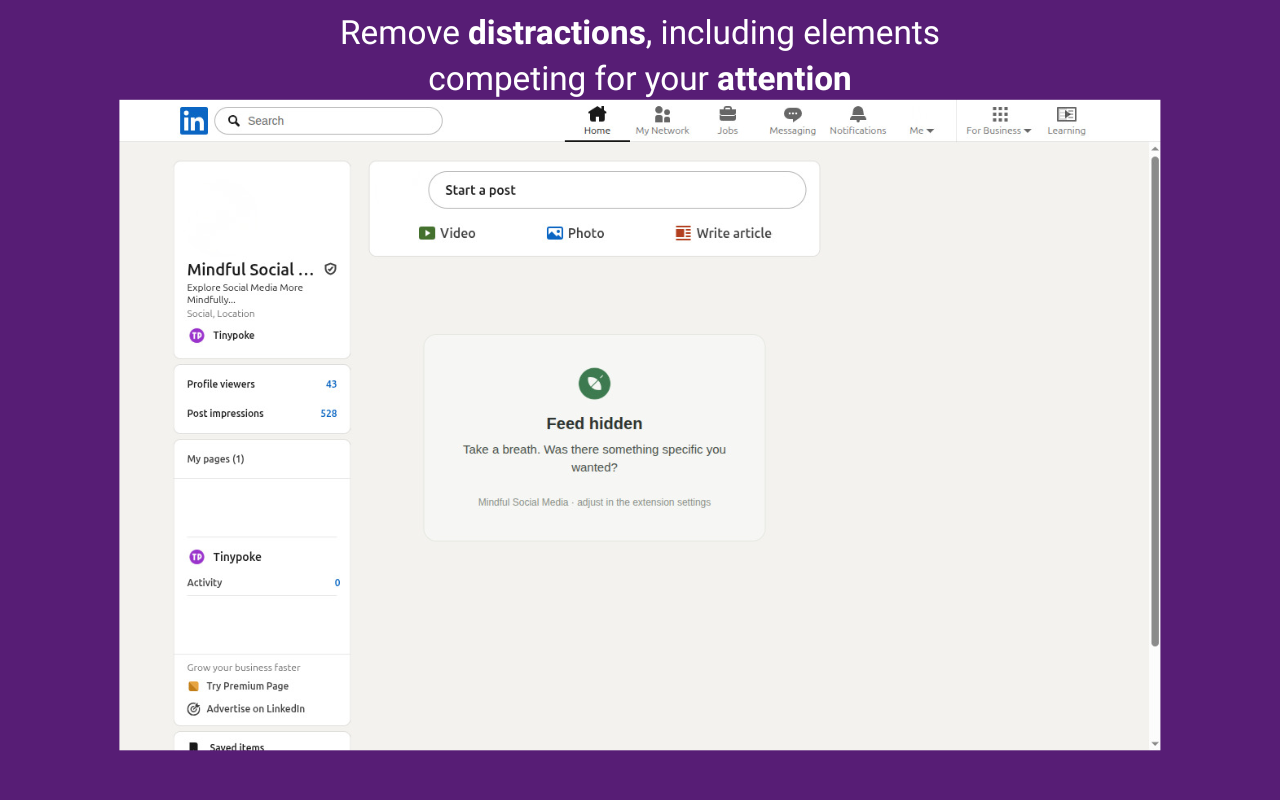
Scroll horizontally to explore every screenshot.
Released
Get Mindful Social Media
Mindful Social Media is available for Google Chrome, Microsoft Edge, and Mozilla Firefox.