Released Browser Extension
Manage your Bookmarks
More Efficiently
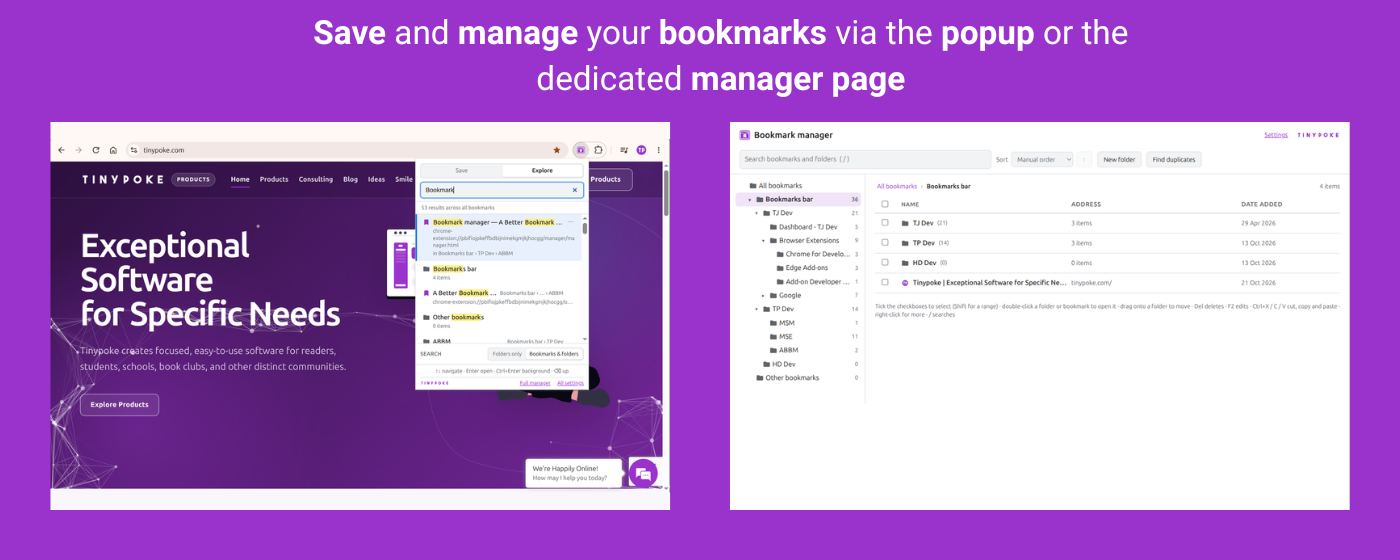
Save, find, and organize bookmarks faster with a quick browser popup and a powerful full-page manager.
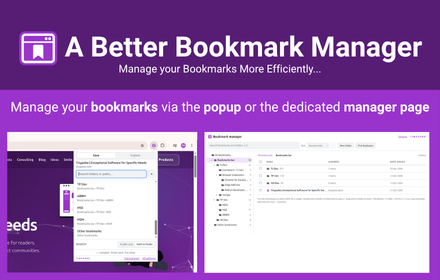
Your Bookmarks, Easier to Manage
A Better Bookmark Manager is for people who rely on browser bookmarks and want less friction when saving pages, locating saved information, organizing folders, or cleaning up a growing collection.
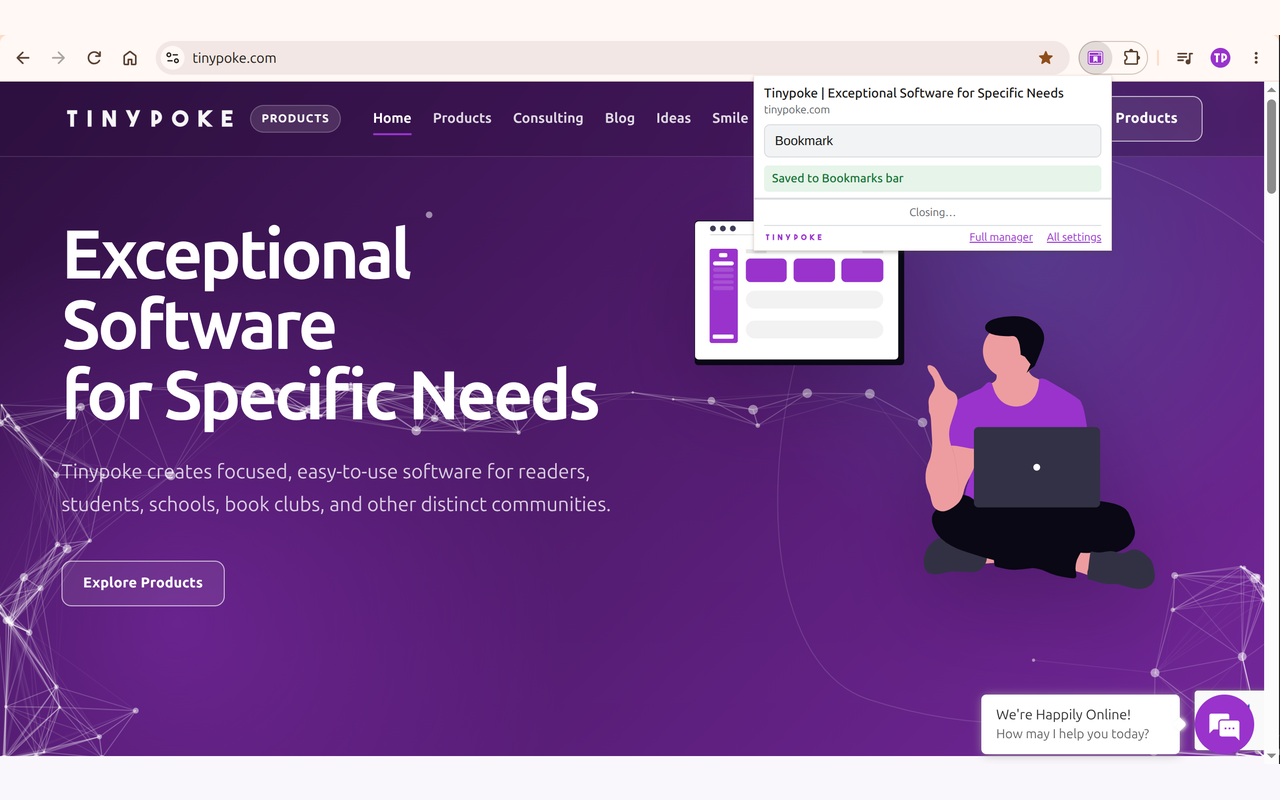
From a quick save to a complete cleanup
Everything You Need to Manage Bookmarks Better
Use the compact popup for everyday actions, then open the full manager when your collection needs more room and control.
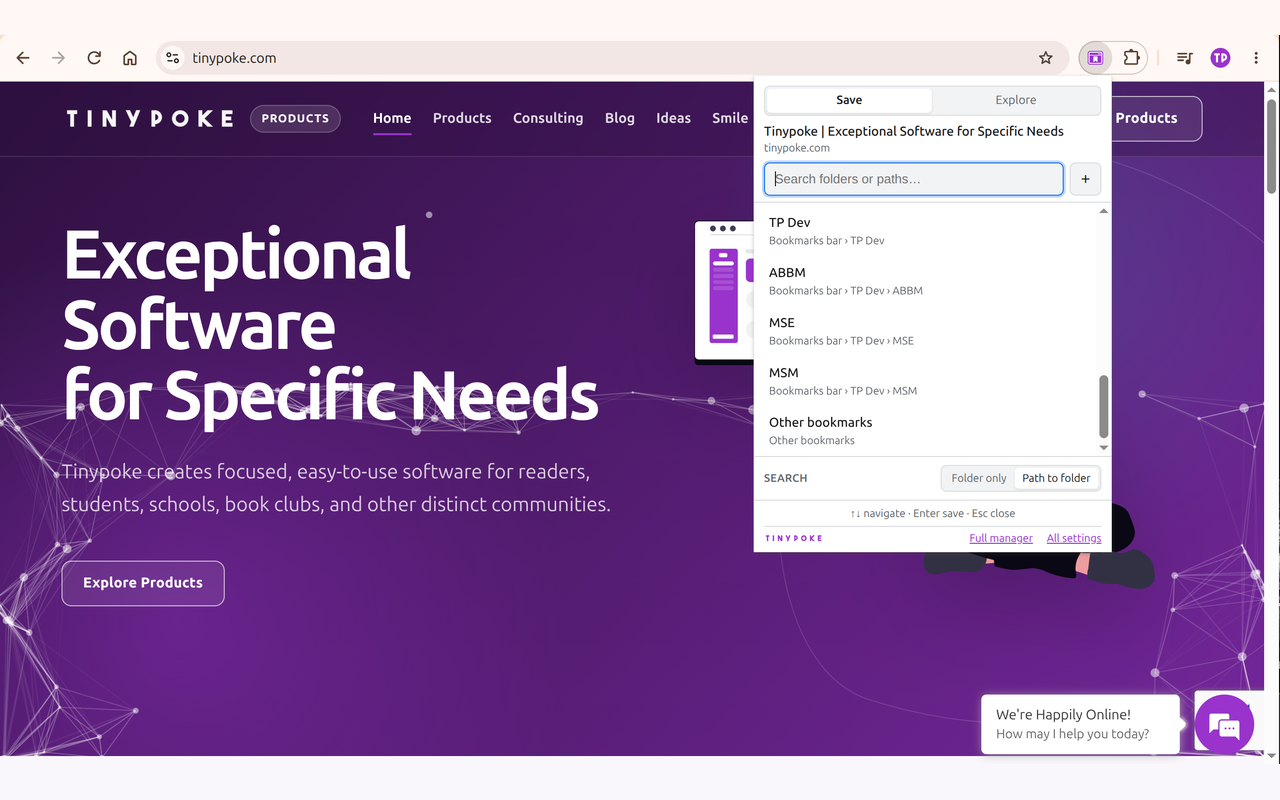
Save into the Right Folder
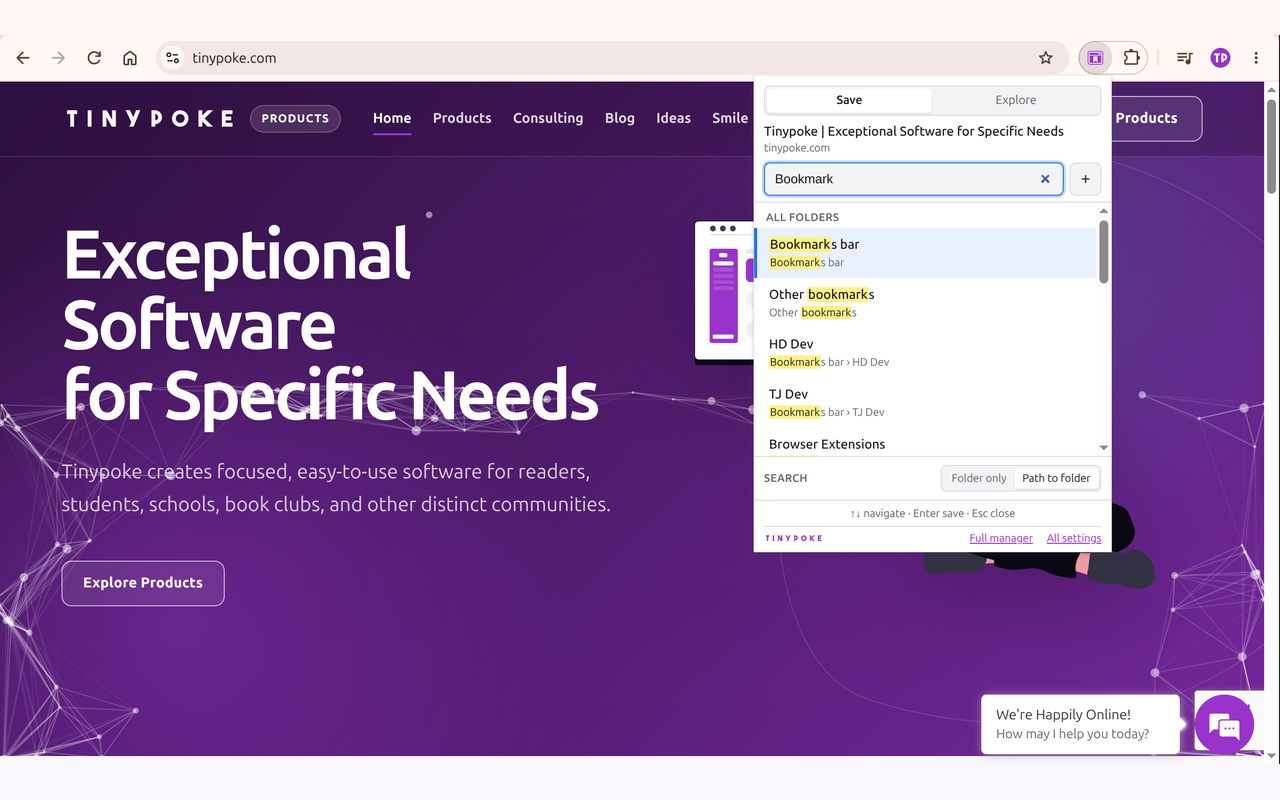
Type a folder name or full path and press Enter. Suggested and recently used folders stay close at hand.
Know Where a Page Is Saved
See every folder containing the current page and remove the bookmark from any of those locations.
Save Tabs Together
Save every tab in the current window to one folder, or choose only the tabs you want to keep.
Explore and Organize
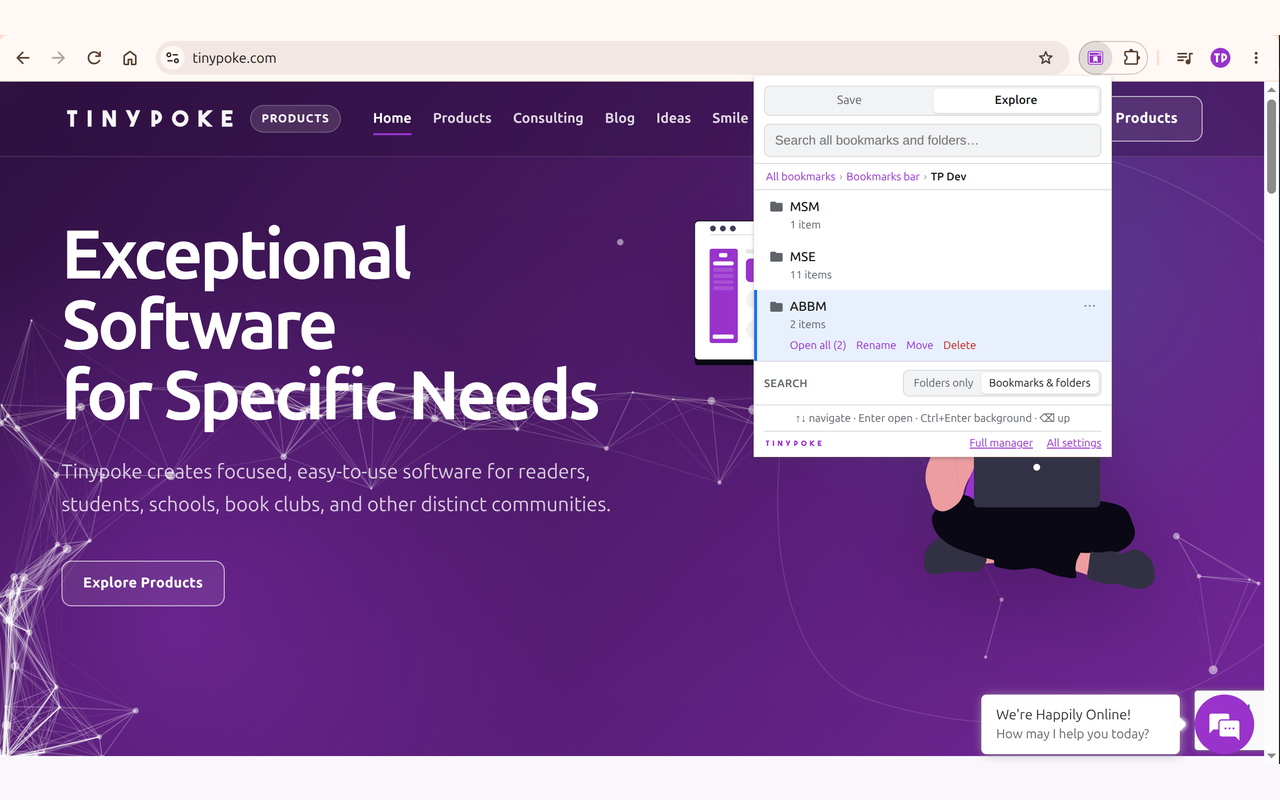
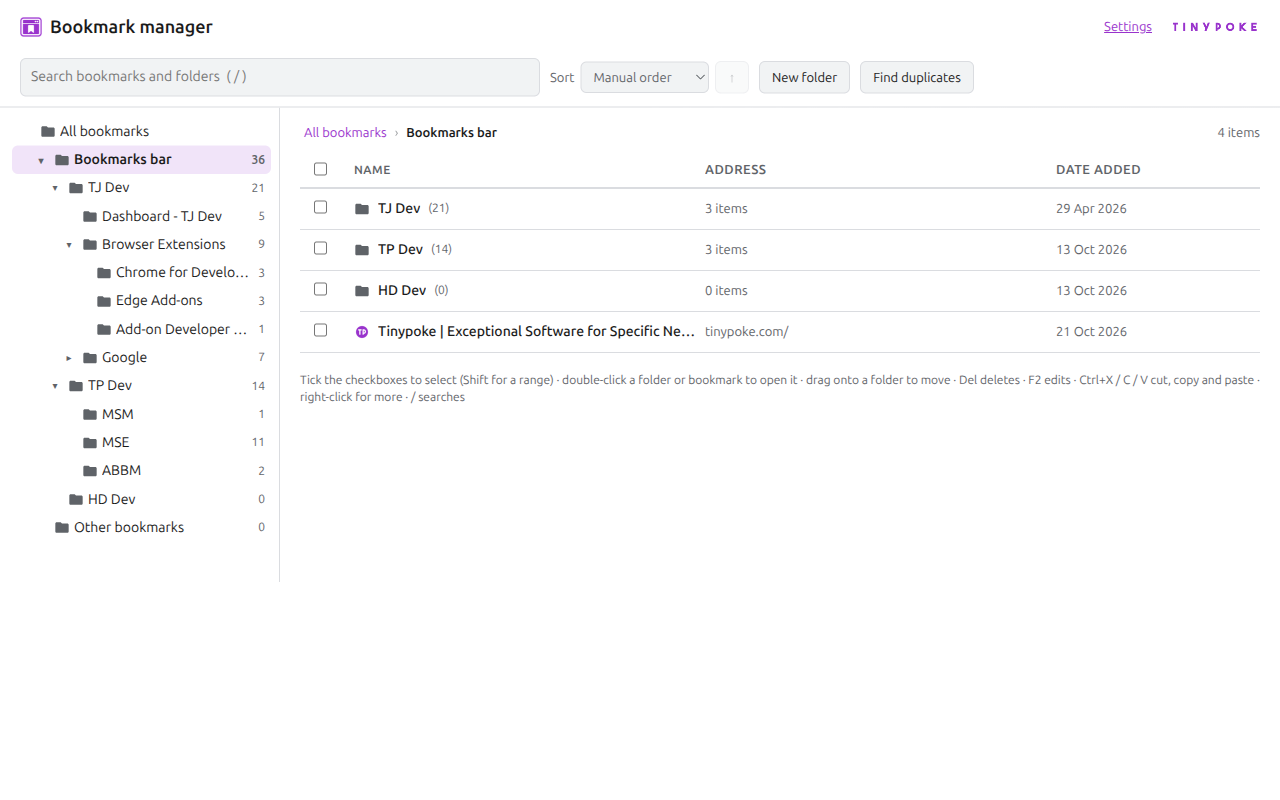
Browse or search bookmarks and folders, review when items changed, and rename, move, delete, or sort them.
Manage at Full Scale
Use the full-page folder tree, drag and drop, bulk actions, and a right-click menu with cut, copy, paste, and open-in-new-window controls.
Clean Up with Confidence
Find and remove duplicate bookmarks, with undo available for every change you make.
Built around your workflow
Fast When You Need It, Flexible When You Want It
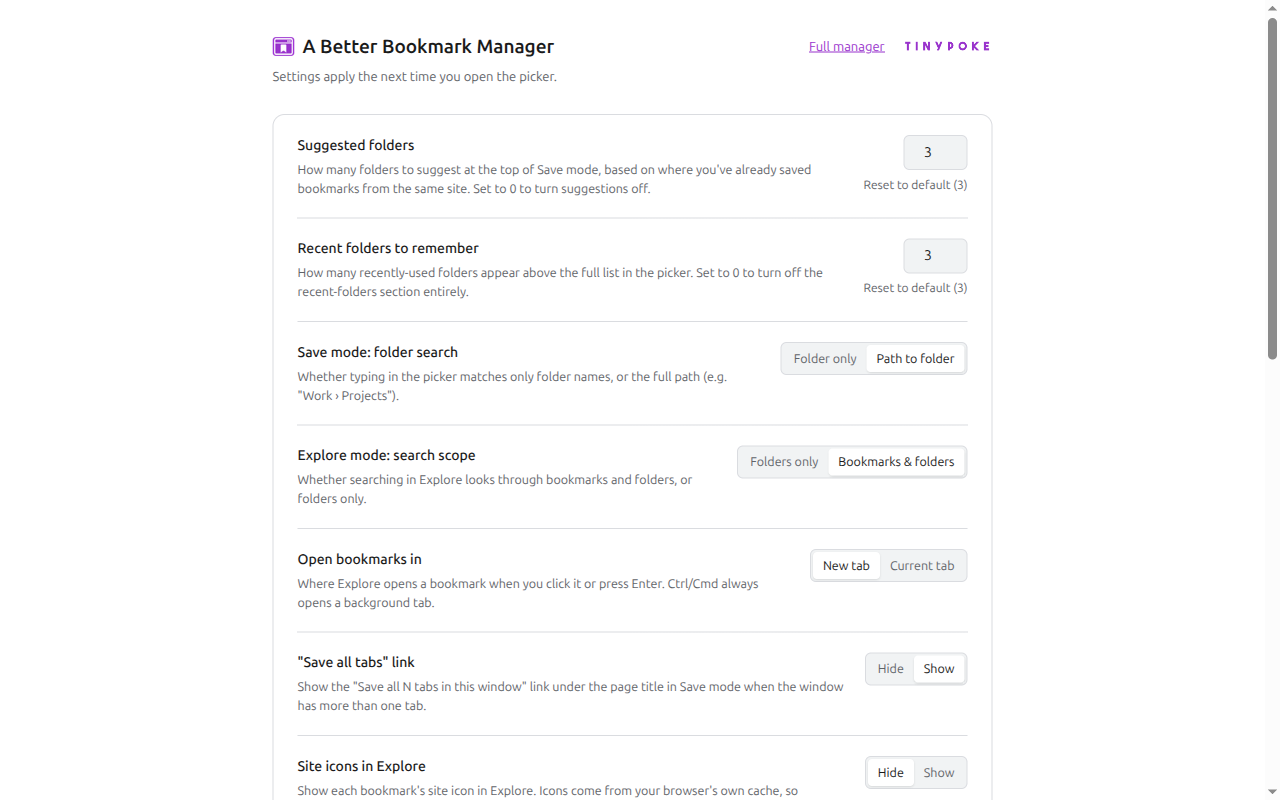
Open save, explore, and manager views with keyboard shortcuts. Tailor popup behaviour, search, and shortcuts in settings, and use a dark theme that follows your system.
Move your data when you need to with standard HTML bookmark import and export, plus settings import and export.
Private by design
Your Bookmarks Stay Yours
A Better Bookmark Manager collects no data and sends nothing to Tinypoke or any third party.
Product preview
See A Better Bookmark Manager in Action
Preview the popup, bookmark search, folder controls, dedicated manager page, and configurable settings.
Scroll horizontally to explore every screenshot.
Released
Get A Better Bookmark Manager
A Better Bookmark Manager is available for Google Chrome, Microsoft Edge, and Mozilla Firefox.